Your Security Resource

Talk. Norton. Now. Join Our Forum.
Unlimited help. Every device. 24/7.

The homepage for my Internet browser no longer goes to the page I originally set up. It changed automatically. What happened?

There are a couple of possible causes. When creating memberships on websites, or installing new software, sometimes there is a default that resets your homepage automatically. If that’s the cause, resetting your homepage will solve the problem.

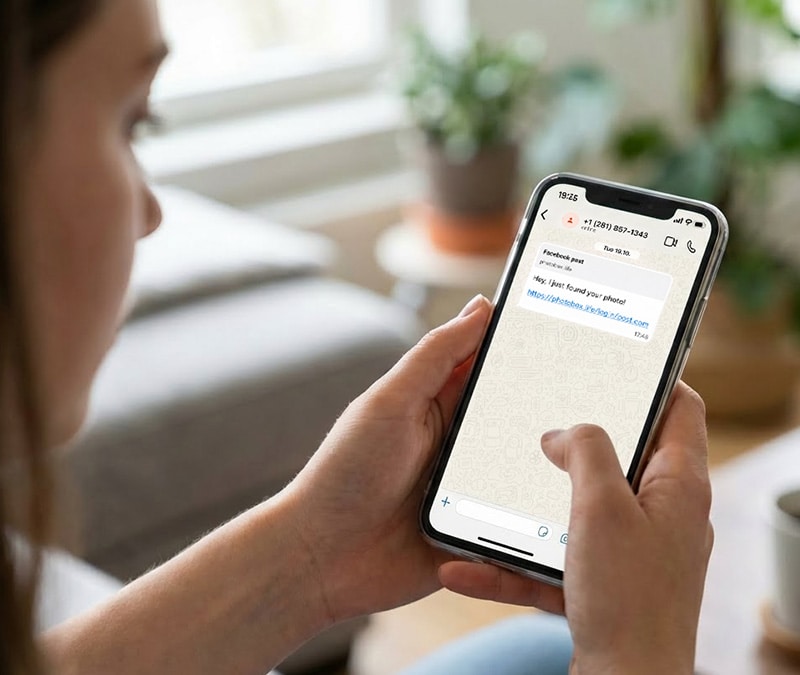
Alternatively, you may be the victim of a browser hijacker. A browser hijacker is a kind of malware that is designed to change your browser settings. One of these can get on your computer, for example, if you click on an innocent-looking link or pop-up ad. Instead of going to the home page you chose for your browser, you are redirected to a different page. Most of the time, their goal is to force people to websites that contain ads, but sometimes these sites can also contain more malware that could infect your computer.


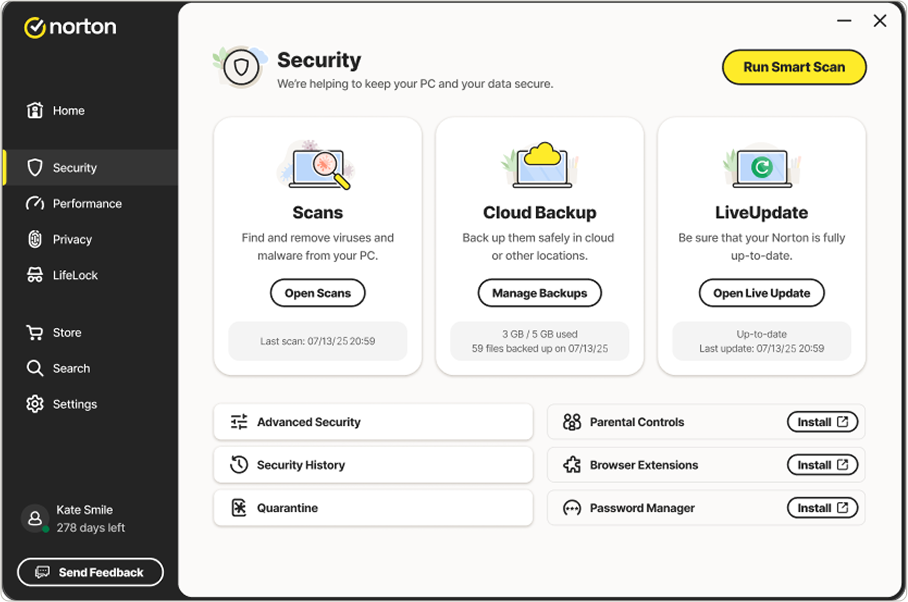
Your first line of defense against browser hijackers is to install anti-malware software and keep the subscription updated. Make sure it protects you from spyware and adware, as well as viruses. In many cases, running an antispyware scan will remove a browser hijacker. If yours persists, seek help from a computer pro.

Copyright (c) 2010 Studio One Networks. All rights reserved.

Archives

Welcome to the newly redesigned Security Resource center.

Get easy access to articles, the Norton community, and links to product support and upgrades.

Expert Q & A

Am I creating a security risk when I leave my computer turned on and connected to the Internet 24/7?
Answer

Glossary

Find definitions on commonly used Internet security related terms.
View Glossary