




5 best family password managers for households
Managing passwords for yourself is hard enough. Keeping track of every login for your whole family can feel impossible. That’s where a family password manager comes in. It keeps everyone’s accounts secure, organized, and easy to access from one place. Read on to discover our top picks, including free options designed for households.

2025
PCMag
60X Winner




A password manager stores all your logins in one secure place, so you don’t have to rely on memory or risk losing them. Strong passwords are hard to remember, and writing them down can be a security risk, lead to mistakes, or result in lost access for households managing numerous accounts.
A family password manager gives each person their own secure login and controlled access to shared accounts, helping keep everyone’s account information more secure. Below, we’ve rounded up the five best family password managers to help you keep your entire household’s accounts secure.
Brand |
Price |
Features |
|---|---|---|
Norton Password Manager |
Free |
Passwordless vault unlock, safety dashboard, password generator |
1Password Families |
$4.49 per month for the first year when paid annually |
Private and shareable password vaults, safety dashboard, password generator |
Bitwarden Families |
$3.33 per month, paid annually |
Unlimited passwords and password vaults, safety dashboard, password generator |
Aura Family Plan |
$32 per month, paid annually |
Secure password vault, unlimited password storage, email alias creation, and additional cybersecurity and identity protection features |
NordPass Family |
$3.69 per month for the first year when paid annually |
Secure password sharing and vault, data breach alerts, secure credit card and note storage, safety dashboard |
1. Norton Password Manager
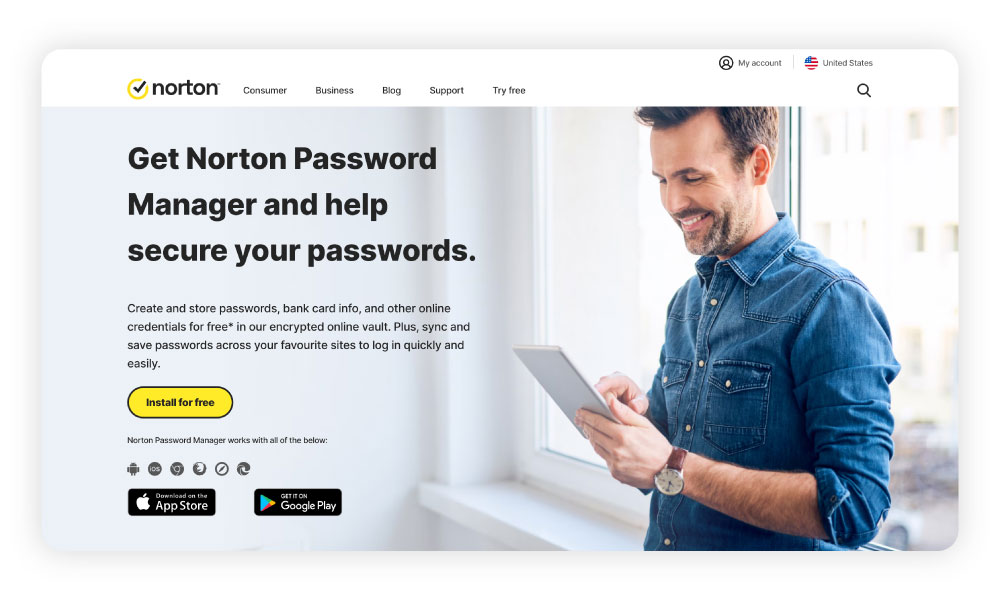
With a 4.7 Trustpilot rating, Norton has a strong reputation and consistently positive customer reviews. One user said, “Easy to use and the password manager is great.” And another said, “Password manager is a 10.”
Norton Password Manager is ideal for households looking for an effective and free option for storing passwords across multiple devices. The platform tool provides the following features:
- Passwordless vault unlock: Use the Norton Password Manager mobile app to unlock your password vault on your desktop device or notebook.
- Safety dashboard: Monitor and update all of your saved passwords.
- Password generator: Create strong, unique, and secure passwords for everyone’s accounts.
- Ability to import passwords: Import saved login information from other password managers for a simple transition.
While Norton Password Manager isn’t designed specifically for families, each family member can create their own Norton account for password storage and security. Its password generator, excellent customer reviews, and cross-device access make it a good option for households looking for a free option.
Pros
- Free
- Two-factor authentication
- Cross-device syncing
Cons
- No secure password sharing
- Not designed specifically for families
2. 1Password Families
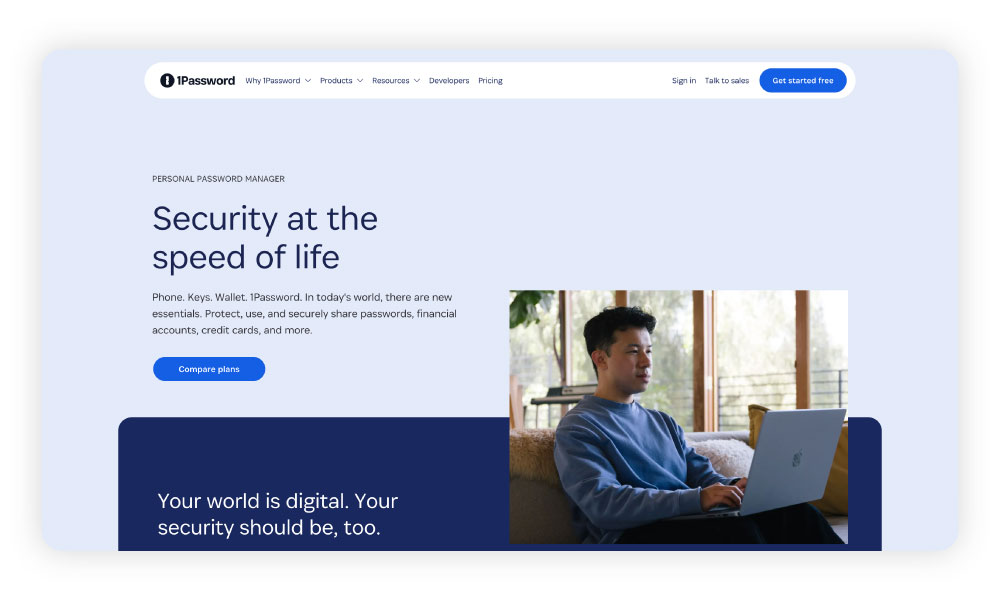
1Password Families allows households of up to five people to share one subscription. Each family member gets their own account password, while organizers can control who has access to which vaults, making it easy to manage shared and personal credentials.
The platform has a 4.4 Trustpilot rating, with users highlighting the helpful customer service and smooth setup process for family plans.
One customer wrote, “Been using the service for around half a year, and just had my first contact with support regarding some Family account questions. Definitely among the better support experiences I've had. Strongly recommend 1Password!”
Pros
- Invite up to 5 family members
- Unlimited password storage
- Secure password sharing
Cons
- Requires a paid subscription
3. Bitwarden Families
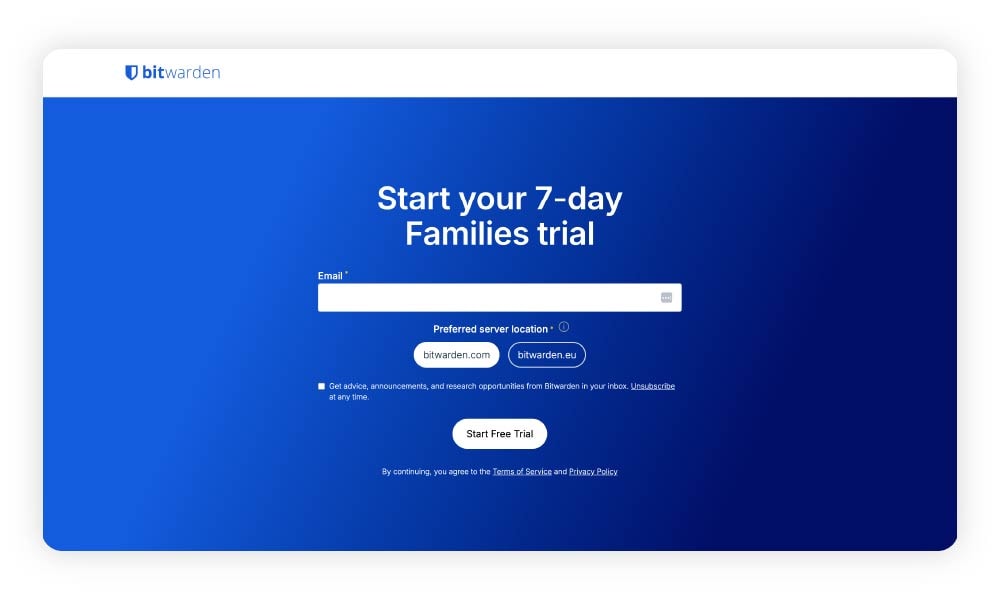
Bitwarden Families is a password manager designed for households, offering six accounts per subscription with unlimited password storage and sharing. It works across an unlimited number of devices, making it easy for families to manage and secure everyone’s credentials.
The platform has a 4.1 Trustpilot rating. Users praise its ease of use and flexibility, although some noted issues setting it up. One customer wrote, “From my experience, Bitwarden is a nice, reliable password manager, and I would recommend it to you. I just use it for private use, and I am satisfied with it.”
Pros
- Unlimited devices
- Unlimited passwords
- 6 premium accounts
Cons
- Occasional setup issues
- Family plan requires a paid subscription
4. Aura Family Plan
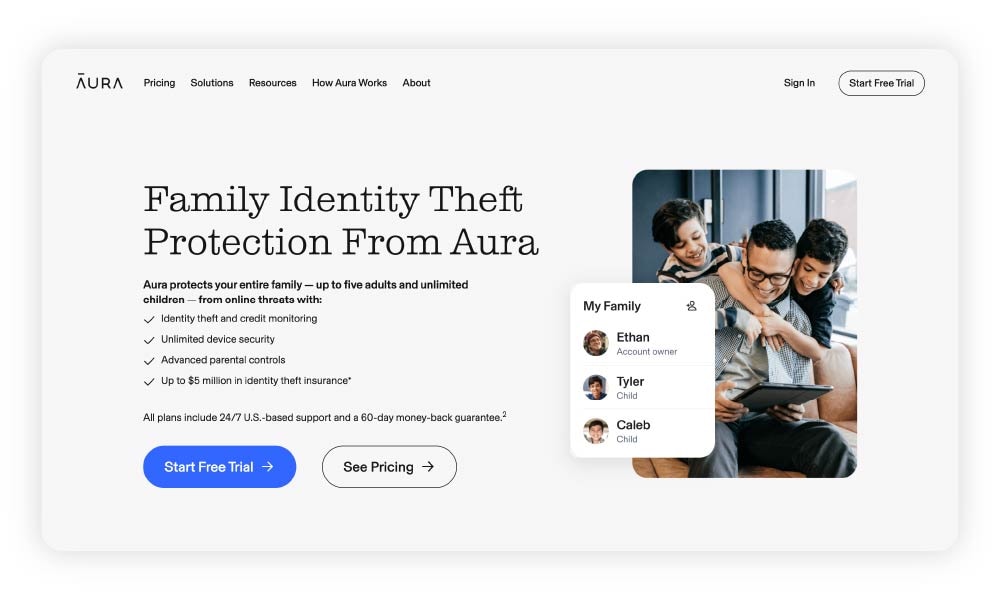
Aura Password Manager is part of Aura’s broader security suite, which also includes antivirus protection and a VPN. There’s no option to purchase it separately, but it’s a good option for households that want a password manager as part of an all-in-one security solution, plus identity theft protection. With the Family Plan, households can protect five adults, unlimited kids, and unlimited devices.
Aura has a 4.2 Trustpilot rating. Users generally appreciate having multiple security features bundled into one service. However, some reviewers note that the password manager can feel glitchy or confusing compared to dedicated password tools.
One customer wrote, “I have been using Aura for a month, and I would give it a C+ so far. Its password manager is glitchy and confusing to use compared to an onboard capture from something like Google or Apple.”
Pros
- All-in-one cybersecurity and identity theft protection
- Covers 5 adults and unlimited kids
Cons
- Requires a paid subscription
- Only available as part of Aura’s all-in-one security and identity protection suite
5. NordPass Family
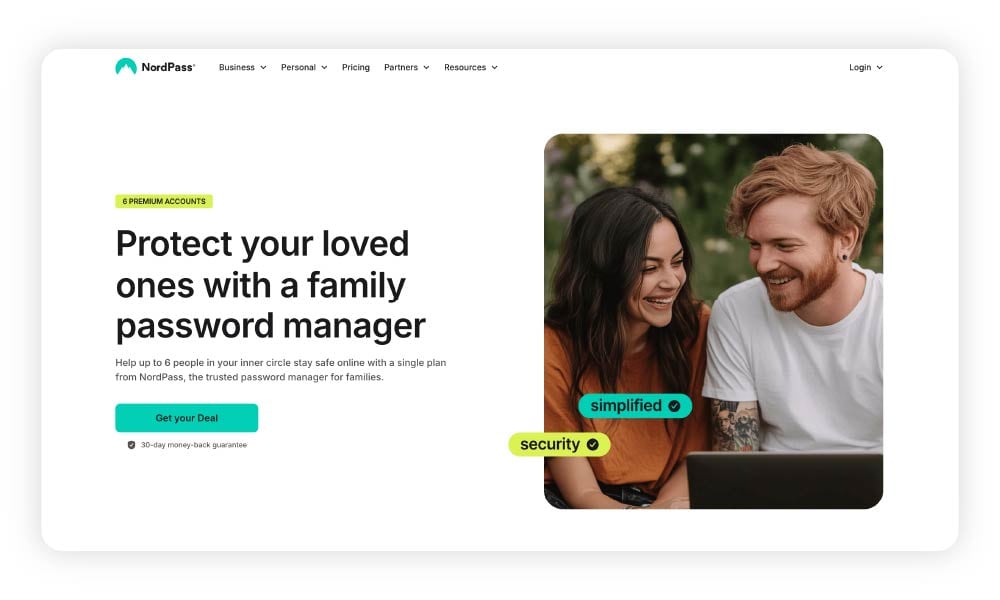
NordPass Family offers up to six premium accounts under one plan. It allows families to securely share passwords, credit card details, and notes, as well as offering additional features like Breach Monitoring, which alerts users if their information is found in a data breach.
NordPass has a 4.0 Trustpilot rating. Users often mention helpful customer support and strong security features, despite some reporting confusion around upgrading plans or canceling memberships.
However, reviews indicate that the NordPass team is happy to provide support for account-related questions, with one review saying, “I accidentally subscribed to a non-family NordPass plan even though I had family members under my account. I contacted support, and (they) clearly explained how the plan works, what my current subscription covers, and what would happen to both my data and my family members’ accounts if I chose not to renew.”
Pros
- Includes up to 6 premium accounts
- Includes features like a data breach scanner
Cons
- Requires a paid subscription
- May be confusing to upgrade or cancel
Factors to consider when choosing a family password manager
When comparing family password manager options, carefully consider the price, digital security features, and number of users it allows to find the right solution for you.
- Price: Both free and paid password managers are available. Weigh the cost against the features you actually need and how many people will use the plan.
- Number of users: Family plans usually support multiple users under a single subscription. Check how many accounts are included and whether you can add more as your household grows.
- Security features: Look for core protections, such as strong encryption and secure password generation, to help keep family accounts protected.
- Sharing capabilities: Some family password managers allow you to share passwords or vaults securely without sending credentials via text or email.
- Ease of use: Choose a platform that’s easy to set up and manage so everyone in the household can use it confidently.
- Private vaults: Private vaults let each family member store personal passwords separately while still allowing shared access to common accounts.
- Available devices: Make sure the password manager works across your household devices, such as phones, tablets, and computers.
- Multi-factor authentication: Multi-factor authentication adds an extra layer of security by requiring a second verification step when logging in or making sensitive changes.
Choose Norton for securing your passwords
If you’re searching for a free password manager with ironclad security and a strong customer satisfaction record, look no further than Norton Password Manager. While it isn’t built specifically for families, it’s easy to set up as many free individual accounts as you need for your household, helping keep everyone’s passwords secure with minimal effort.
FAQs
Can two people share a password manager?
It depends on which password manager you choose. Free options, such as Norton Password Manager, require individual accounts for each user. Many paid accounts allow multiple people to share a single account.
Do husbands and wives share passwords?
Many husbands and wives share passwords for practical reasons, such as managing joint bank accounts, streaming services, utilities, and shared devices. While common, sharing passwords through texts or notes can be risky, which is why many couples use password managers to share access more securely.
What happens if I forget my master password?
If you forget your master password, most password managers won’t be able to recover it for security reasons. Instead, you may need to reset your account, which can erase stored passwords unless you’ve set up recovery options like emergency access, account recovery keys, or trusted contacts.
How does a family password manager work?
A family password manager works by giving each member their own secure account while allowing shared access to selected passwords or vaults. Parents or organizers can manage users, control permissions, and securely share logins across devices without revealing actual passwords.
Editors' note: Our articles offer educational information and are written to raise awareness about important topics in Cyber Safety. Norton products and services may not protect against every type of threat, fraud, or crime we write about. For more details about how we research, write, and review our articles, see our Editorial Policy.






Want more?
Follow us for all the latest news, tips, and updates.