


Double VPN, double benefits
A double VPN doubles down on your privacy by masking your physical location, online activity, and other personal data behind a second layer of IP protection.



81 Phishing Attack Statistics 2023: The Ultimate Insight published by Astra, April 2023.
Based on an online survey of 1,001 adults in the U.S. conducted by The Harris Poll on behalf of Gen™ (formerly NortonLifeLock), November–December 2022.

*Important subscription, pricing, and offer details:
2 Requires an automatically renewing subscription for a product containing antivirus features. For further terms and conditions, please see norton.com/virus-protection-promise.
4 Only available on Windows systems (but not in S mode or on ARM processors).
21 Utilities Ultimate, Driver Updater, Software Updater, and Cloud Backup features are only available on Windows (excluding Windows in S mode and Windows running on ARM processor).
‡ Monitoring available on Windows™ PC, iOS, and Android™ devices. Not all features available on all platforms.
§ Monitoring not available in all countries and varies based on region.

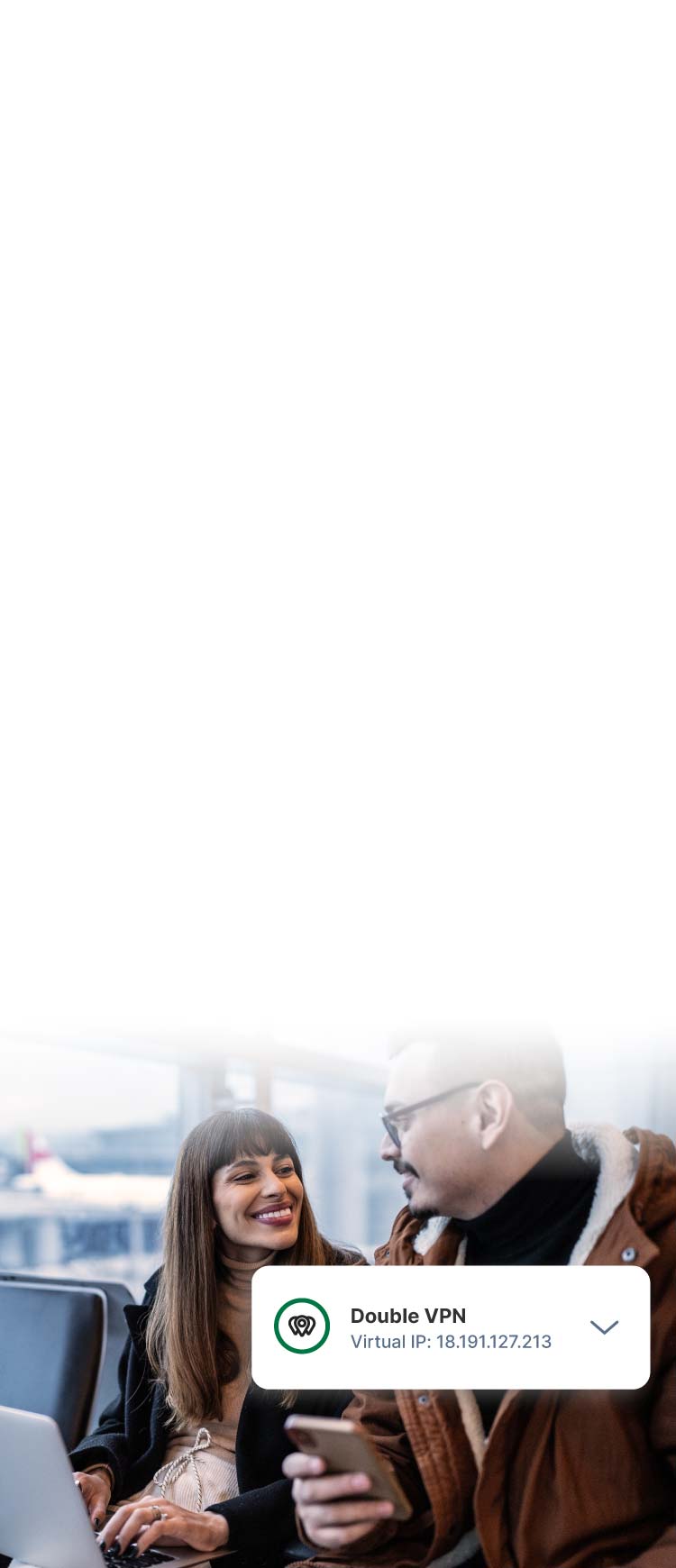
Protect your privacy using Norton Double VPN, available on Windows, macOS, Android, and iOS. By routing your internet traffic through two secure servers, Double VPN masks your IP address twice, making it much harder for anyone to trace your real location.
30-day free trial. Payment method and subscription required. Details below*


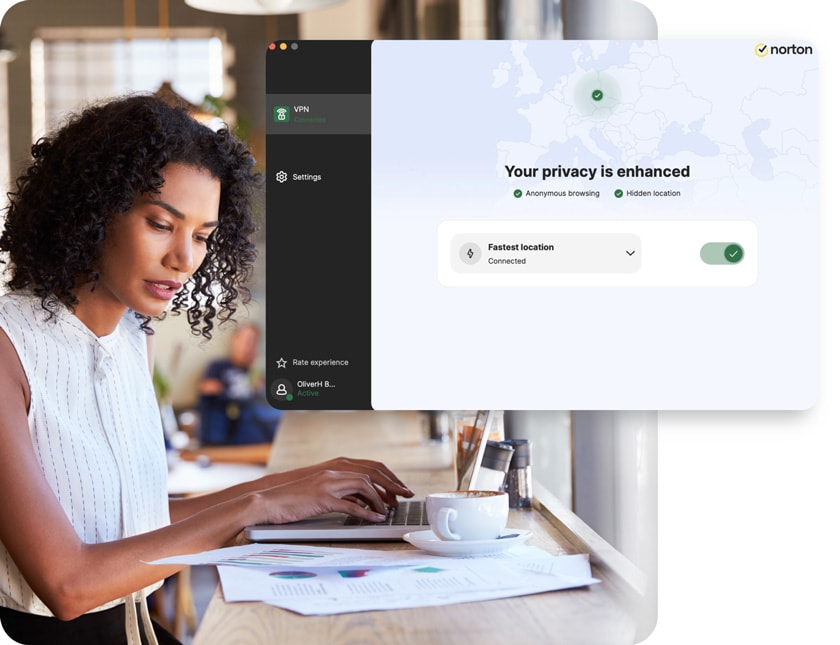
A double VPN, or multi-hop VPN, is a type of virtual private network that routes traffic through two or more servers in different locations. That boosts your anonymity by making it much harder to link internet activity back to your real IP address.
30-day free trial. Payment method and subscription required. Details below*


A double VPN doubles down on your privacy by masking your physical location, online activity, and other personal data behind a second layer of IP protection.

Route your connection through two remote servers, making it more difficult for anyone to trace your location or activity.

Make it harder for advertisers and websites to track your activity or build a profile to target you with ads.

Obscure your location and connect from a different region to help access your favorite websites, shows, and services.

Keep sensitive information out of third-party hands to reduce your exposure if a website or service suffers a breach.
Everyone can benefit from a VPN every time they go online. But if you travel often, need watertight privacy, or simply want extra protection, using a double VPN can give you even stronger safeguards when you need them most.
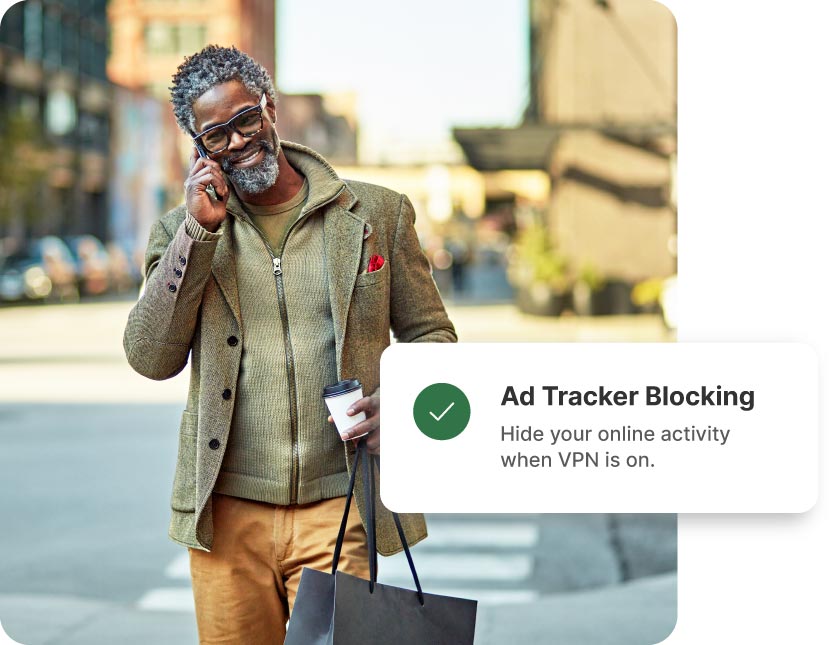
Use a double VPN to boost your anonymity by shielding your online activity and physical location behind two secure servers.
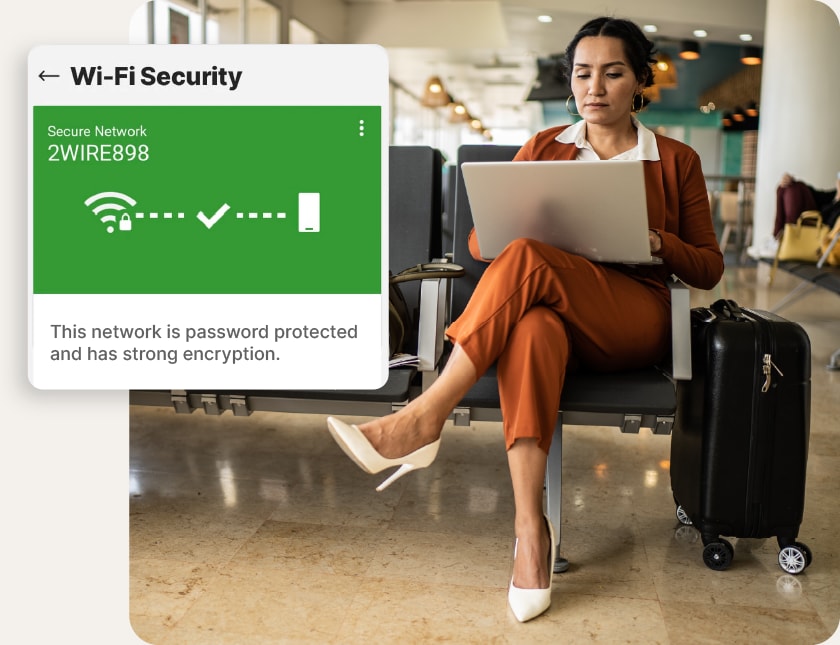
A double VPN strengthens your defenses on unsecured public Wi-Fi, making it far more difficult for attackers or snoops to target or track you.
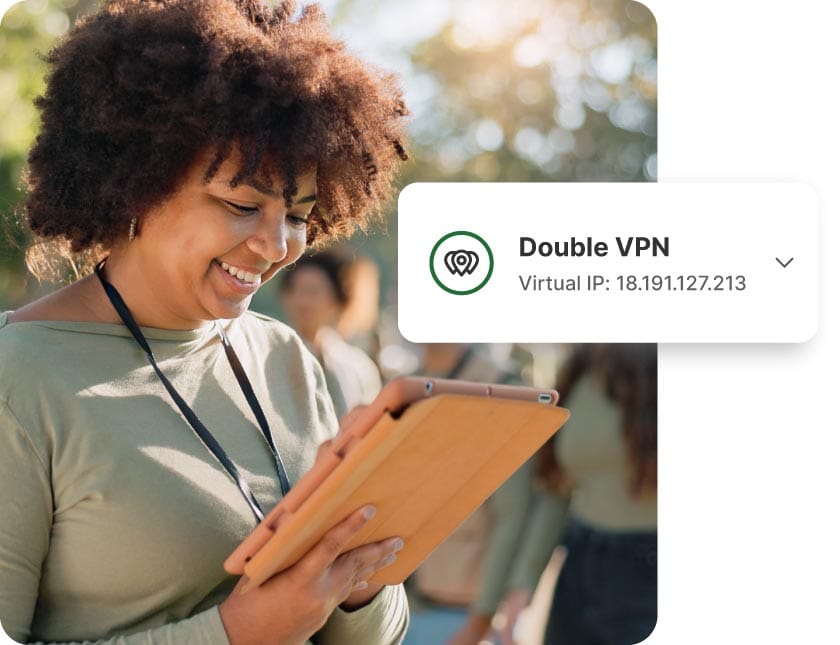
When work involves sensitive conversations, a double VPN hides both your communications and location — helping protect you in uncertain environments.
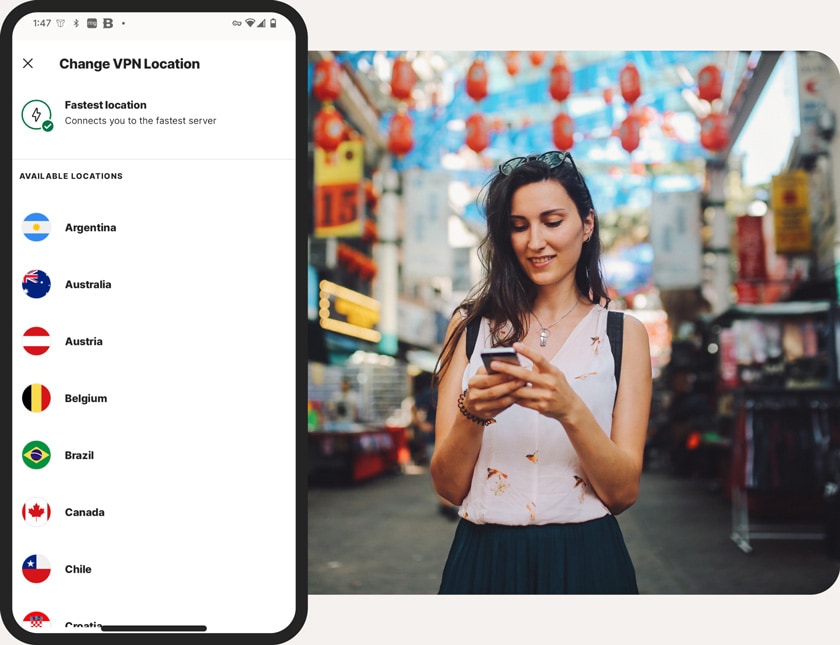
If you live, work, or travel in restrictive regions, a double VPN disguises your location and helps you access the open internet more freely.



Easy to use. Fast and accurate. I am happy with my vpn.
Great service, always checks my Internet connection is secure or actions VPN, continually checks the Web sites I'm visiting are secure.
Love the VPN!
Easy to use. Fast and accurate. I am happy with my vpn.
Great service, always checks my Internet connection is secure or actions VPN, continually checks the Web sites I'm visiting are secure.
Love the VPN!
Easy to use. Fast and accurate. I am happy with my vpn.
Great service, always checks my Internet connection is secure or actions VPN, continually checks the Web sites I'm visiting are secure.
Love the VPN!
From our best comments. See all Norton VPN reviews here.

Turn up the dial on your internet privacy today. Every Norton VPN plan includes a double-hop feature for extra anonymity on Android, iOS, and Windows devices. Get it now and start browsing with confidence whenever you connect.
30-day free trial. Payment method and subscription required. Details below*


*Automatically renews annually after the trial period ends, unless cancelled. The price quoted in the cart today is valid for the introductory term after the trial, after which your subscription will be billed at renewal pricing. Renewal pricing is subject to change and may be charged up to 35 days before the active term ends. For support or to cancel automatic renewal, log into your account or contact support.
Norton VPN: A yearly subscription is just $29.99 for the first year after the free trial, then only $49.99/year after.


