







What is UPnP and is it safe?
UPnP (Universal Plug and Play) is a set of networking protocols designed to make connecting devices to your home network quick and seamless. While convenient, it can introduce security risks. In this guide, we’ll explain how UPnP works, where vulnerabilities arise, and how tools like Norton 360 can help strengthen your overall protection.







The purpose of UPnP is simple: remove networking friction. Instead of requiring you to log in to your router and configure settings manually, it allows compatible devices to handle much of that setup automatically.
That level of automation is what makes UPnP appealing, but it’s also where potential weaknesses can emerge. By examining how the protocol functions step by step, you can better judge when its convenience makes sense and when tighter control may be the safer choice.
How UPnP works
UPnP helps devices on the same local network discover each other and communicate automatically. Instead of manually configuring settings, UPnP can request the network changes it needs — like opening a port — so apps, consoles, and smart devices work seamlessly on the network.
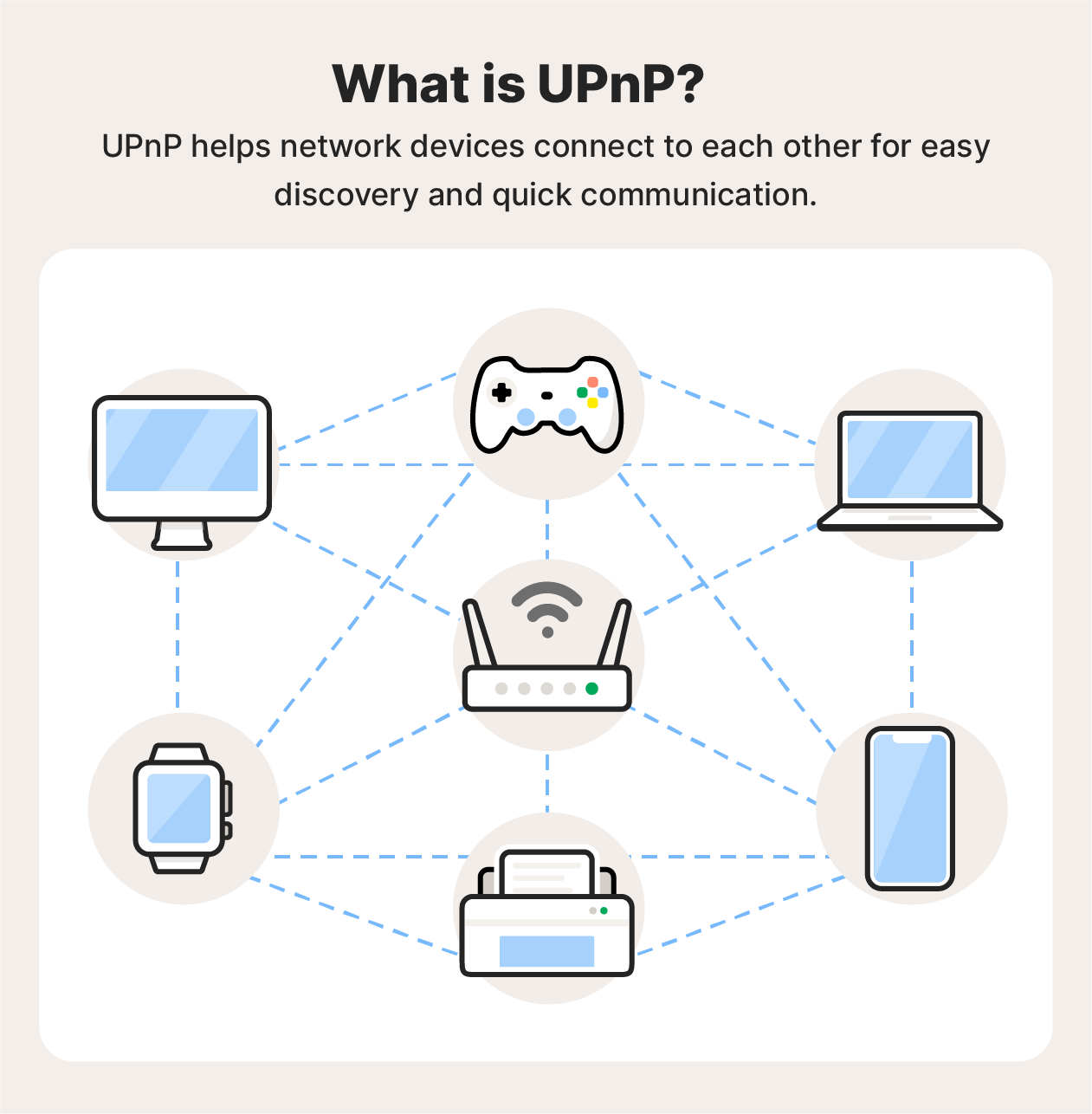
Here’s a closer look at how UPnP functions in practice:
1. A device connects to your network
When a device such as a game console, smart TV, or security camera joins your Wi-Fi, your router assigns it a local IP address. If UPnP is enabled, the router is ready to accept automatic configuration requests from that device without requiring you to log in and adjust settings manually.
2. Devices discover each other automatically
Using a discovery protocol (commonly SSDP), the new device announces itself and searches for other UPnP-enabled devices on the local network. Your router responds by sharing information about the services it supports, such as network address translation (NAT), port forwarding, or media streaming capabilities.
3. The device requests network changes
If the device needs outside access — such as for online gaming or video calls — it sends a control request to the router. This typically asks the router to open a specific port and direct incoming traffic to the device’s internal IP address.
4. The router creates a port mapping
If the request is accepted, the router automatically opens the required port and sets up a forwarding rule. This allows external traffic from the internet to reach the device directly, helping apps and services like online gaming, video calls, and peer-to-peer (P2P) sharing to function smoothly without manual firewall or NAT configuration.
5. The connection remains active as needed
Once configured, the port mapping stays active for a defined period or until the device disconnects, the session ends, or the router restarts. While this automation improves convenience and performance, it can also create unintended exposure if unnecessary ports remain open.
Common uses of UPnP
UPnP supports a range of everyday networking tasks by automatically configuring devices on your local network. Here are some of the most common UPnP use-cases:
- Gaming: Automatically configures your router to enable the peer-to-peer connections gaming consoles need for multiplayer play. This reduces the need for manual router setup and helps prevent connectivity issues.
- Smart devices: Allows smart home devices, such as thermostats, lights, and speakers, to connect seamlessly to your home network. Once connected, they can be controlled through mobile apps without requiring manual network configuration for each device.
- Video conferencing: Automates port forwarding for video conferencing applications, helping establish stable connections and optimize call quality without manual firewall adjustments.
- Remote access: Enables remote access to devices like security cameras or media servers by automatically configuring firewall and router settings, eliminating the need for manual setup.
- File sharing: Streamlines file sharing across devices on the same network. For example, you can stream a movie from your computer to a smart TV without manually configuring network permissions.
UPnP key features
UPnP is designed to simplify how devices connect and communicate on a local network, with its main appeal lying in automation and compatibility. Here are the key features users can benefit from:
- Zero-configuration setup: UPnP allows devices to join and function on a local network without manual configuration. This reduces setup time and eliminates the need to adjust router or firewall settings for each device.
- Automatic device discovery: Devices enabled with UPnP can automatically detect one another on the network. This speeds up integration and allows devices to begin communicating with minimal user intervention.
- Dynamic port mapping: Applications — such as online games or streaming services — can request that the router open specific ports as needed. This simplifies connectivity and can improve performance without requiring manual port forwarding.
- Peer-to-peer connectivity: By combining device discovery with dynamic port mapping, UPnP enables peer-to-peer activities like gaming, media streaming, and direct file transfers.
- Device versatility: UPnP supports a broad range of products across brands and categories, including smart home devices, gaming consoles, speakers, printers, and media servers.
Is UPnP dangerous?
While UPnP offers convenience, it also introduces security trade-offs. Because it doesn’t require authentication for devices requesting network changes, a compromised device or malicious application on your network could automatically open router ports to the internet. If those ports remain exposed, attackers may exploit them to gain unauthorized access.
In 2020, researchers disclosed a vulnerability known as CallStranger, which affected certain UPnP implementations. The flaw could be exploited to amplify Distributed Denial-of-Service (DDoS) attacks, in which targets are overwhelmed with incoming traffic, causing slowdowns or outages.
In some cases, the vulnerability also allowed data exfiltration from affected networks, with routers and IoT devices being particularly at risk if UPnP was exposed to the public internet.
UPnP security risks
Before enabling UPnP, it’s important to balance its convenience against the potential security trade-offs. While automatic configuration makes devices easier to connect and manage, it can also increase your network’s exposure if misused.
Understanding the most common risks can help you decide whether UPnP fits your security needs. Key risks include:
- Unauthorized port forwarding: Malicious software on your network can use UPnP to open ports automatically, potentially granting attackers external access.
- Exposure of network devices: Vulnerable IoT devices — such as cameras or smart speakers — may be remotely accessed or recruited into botnets if exploits are successful.
- Outdated implementations: Older UPnP versions may lack proper authentication controls or allow silent port forwarding, increasing the likelihood of firewall bypass and unauthorized access.
Should you disable UPnP
Whether you should disable UPnP depends on how you use your network and how much control you want over its security. If you don’t regularly use services that require incoming connections — such as online multiplayer games or certain peer-to-peer apps — you may not need UPnP. In that case, disabling it can help reduce your network’s attack surface and give you tighter control over which ports are open.
That said, for many households or other non-sensitive networks, leaving UPnP enabled is a practical choice. If you keep it on, ensure your router’s firmware is up to date, remove unfamiliar devices from your network, and install security updates on all connected devices. Used thoughtfully, UPnP can offer convenience, but it should complement, not replace, basic network security best practices.
How to disable UPnP
If you decide to disable UPnP, you can usually do so in a few straightforward steps. You can re-enable it at any time if needed.
- Connect to your router’s network: Using a computer or smartphone, connect to your router via Wi-Fi or Ethernet. Confirm the connection by checking your device’s network settings.
- Access your router’s admin page: Open a web browser and enter your router’s IP address (often something like 192.168.1.1 or 192.168.0.1) into the address bar to reach the login page.
- Log in with admin credentials: Enter your router’s administrator username and password. These details are often printed on the router label or included in the setup documentation. If you’ve changed them, use your updated credentials.
- Locate the UPnP settings: Navigate to the “Advanced,” “Advanced Network,” or similarly named section. The exact location varies by manufacturer.
- Toggle UPnP off: Find the UPnP setting and switch it to your preferred position.
- Save and apply changes: Click “Save,” “Apply,” or the equivalent option to confirm the update. Your router may briefly restart to apply the new settings.
Alternatives to UPnP
If you disable UPnP, any device or application that needs inbound connections will require manual port forwarding. This means logging into your router and creating specific port rules yourself. While more technical and time-consuming, it gives you tighter control over which ports are open, which devices can receive traffic, and how long those rules remain active.
You can also reduce reliance on open ports by using secure alternatives such as cloud-based relay services, Virtual Private Networks (VPNs) for remote access, or applications that support NAT traversal methods like STUN or TURN. These options can help maintain functionality while limiting direct exposure of devices to the public internet.
How to manage risks of using UPnP
If you decide to keep UPnP enabled, you can reduce the potential security risks by strengthening other parts of your network setup. Because UPnP allows devices to open router ports automatically, it’s especially important to make sure those devices and connections are secure.
Use a VPN
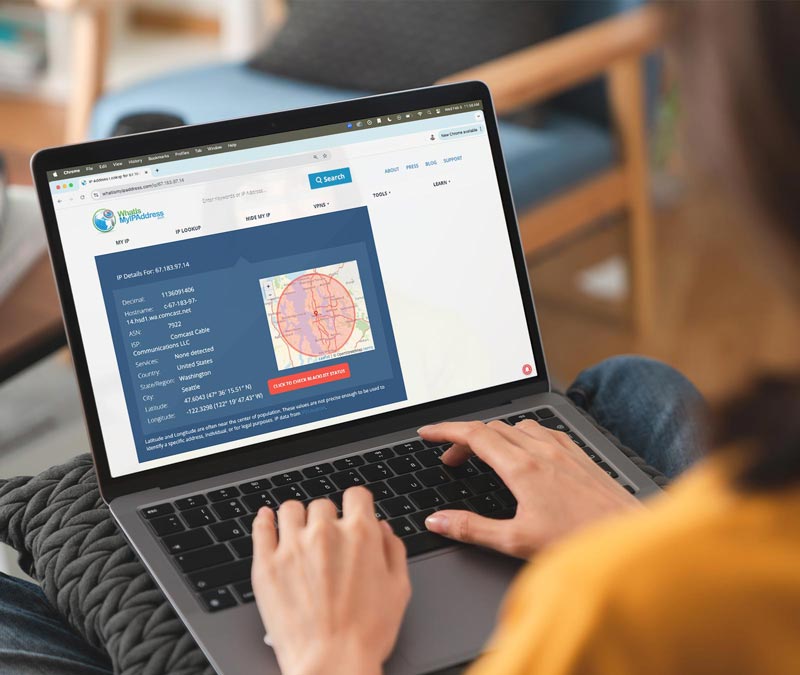
A VPN encrypts your internet traffic and hides your real IP address, making it harder for third parties to monitor your activity or target your connection. While a VPN doesn’t stop devices from opening ports via UPnP, it adds an extra layer of privacy and protection — especially when using public Wi-Fi or accessing sensitive information.
Enable a strong firewall
Most modern routers include a built-in firewall that monitors and filters incoming and outgoing traffic. Make sure it’s enabled. A properly configured firewall can help block suspicious connection attempts and reduce the risk of unauthorized access, even if a port is opened automatically.
Choose devices and apps that use secure protocols
Devices and applications that support modern encryption standards help protect your data, even if traffic passes through an open port. For example, secure messaging apps like WhatsApp and Signal use end-to-end encryption, and most websites now use HTTPS to encrypt browsing activity. Keeping your devices and apps updated ensures you’re using the latest security protections.
Stay connected and protected with Norton VPN
UPnP can introduce network exposure, but your online privacy doesn’t have to suffer.
The VPN included with Norton 360 helps protect your online privacy by encrypting your internet traffic, making your data harder to intercept. With fast, reliable connections, simple setup, and ironclad device security, it’s an easy way to strengthen your protection while you browse, stream, and stay connected every day.
FAQs
What does UPnP do on Xbox?
UPnP automatically manages the network ports your Xbox needs for multiplayer gaming, voice chat, and real-time connections. Instead of manually configuring port forwarding, your router opens the required ports on demand. This helps reduce NAT issues, improve connectivity, and support smoother, lower-latency gameplay without complex setup.
How do cybercriminals exploit UPnP?
Because UPnP doesn’t require authentication for network change requests, a compromised device or malicious app on your network could abuse it to open router ports. Exposed ports may allow attackers to bypass firewall protections, deploy malware, access connected devices, or steal sensitive information — especially if the router is misconfigured.
Is UPnP better for gaming?
UPnP can improve gaming performance by automatically opening the ports needed for multiplayer and peer-to-peer connections. This reduces manual configuration and helps avoid strict NAT errors or connectivity drops. For many players, it delivers a smoother, more convenient online experience, though it should be balanced against potential security risks.
Editors’ note: Our articles offer educational information and are written to raise awareness about important topics in Cyber Safety. Norton products and services may not protect against every type of threat, fraud, or crime we write about. For more details about how we research, write, and review our articles, see our Editorial Policy.






Want more?
Follow us for all the latest news, tips, and updates.