







7 Best antivirus software options
As scams, ransomware, and other cyberattacks continue to surge, protecting your devices has never been more important. We’ve rounded up today’s top antivirus options to help keep you and your personal information safe. Explore the leading software choices and see why Norton remains a favorite for comprehensive digital security.







Antivirus software detects, blocks, and removes threats like viruses, ransomware, and other malware before they can compromise your device or steal your data. According to the global management consulting company McKinsey, phishing attacks are up 1,200% since 2022, and new AI-driven threats are emerging all the time. In such an environment, strong antivirus protection is more important than ever.
But not all antivirus programs deliver the same level of security, features, or value. In this guide, we review seven popular options to help you choose the best software for your needs.
Antivirus software |
Best for |
Starting price |
Key features |
|---|---|---|---|
Norton 360 Deluxe |
Comprehensive security with extras like VPN, cloud backup, and parental controls. |
$49.99 for coverage of 5 devices, billed annually (first year). |
Scam Protection, Smart Firewall, Password Manager, Dark Web Monitoring, Unlimited VPN, Parental Controls, Virus Protection Promise, Privacy Monitor, 50 GB of cloud storage. |
Avast Premium Security |
Advanced protection with flexible device coverage. |
$49.08 for coverage of 1 Windows PC, billed annually (first year). |
Core firewall functionality, Software Updater, Ransomware Shield, Data Shredder, Sensitive Data Shield, Remote Access Shield, Webcam Shield. |
Bitdefender Total Security |
Fast, efficient protection with tools to boost performance. |
$59.99 for coverage of 5 devices for 1 person, billed annually (first year). |
Firewall, VPN, parental controls, Bitdefender Photon™, anti-tracker, file shredder. |
Malwarebytes Premium Security |
Simple, no-frills antivirus with built-in VPN. |
$49.99 for coverage of 2 devices for 1 person, billed annually. |
Brute force protection, security advisor, browser guard. |
McAfee Essential |
Basic protection and easy device management. |
$39.99 for coverage of 5 devices, billed annually. |
Virus protection pledge, password manager, VPN, firewall. |
Webroot Premium |
Lightweight antivirus with identity protection and system cleanup tools. |
$90.99 for coverage of 5 devices for 1 person, billed annually (first year). |
Dark web monitoring, password manager, a firewall, network connection monitor, website blocking. |
F-Secure Total |
Private browsing, safe banking, and family-friendly features. |
$80.79 for 1 device, billed annually. |
Banking protection, identity theft support, browsing protection, parental controls, gaming mode, VPN, Wi-Fi protection, tracking protection. |
All ratings, pricing, and feature information were reviewed before publication and are based on information provided on each company’s official website. Read more about our methodology.
1. Norton 360 Deluxe
Best for: Comprehensive security with a VPN, cloud backup, parental controls, and other extras.
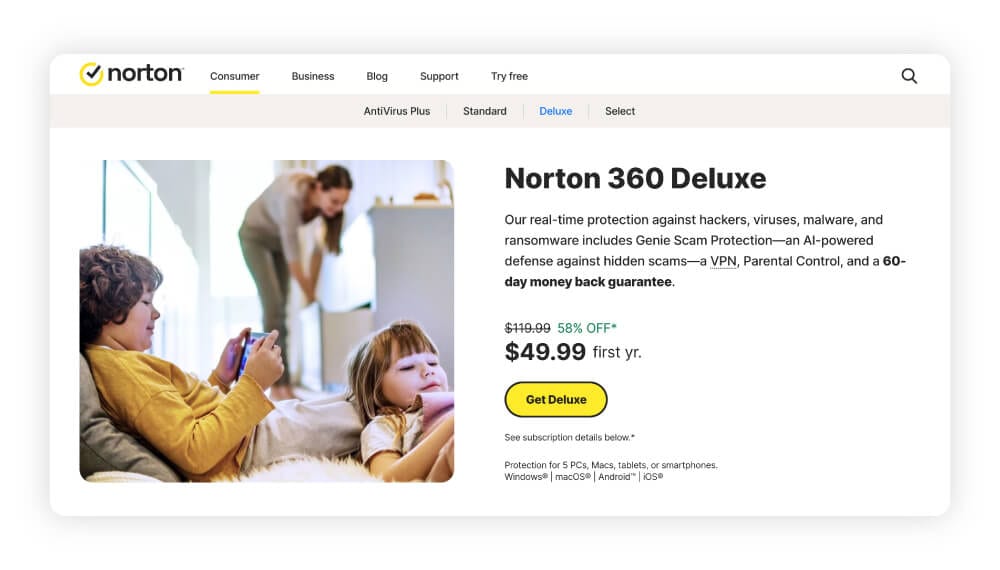
Norton has been a trusted name in digital security for decades, and Norton 360 Deluxe more than lives up to that reputation. With multiple industry awards, including “Best home anti-malware” from SE Labs and “Best overall antivirus for Windows” by VPN Overview, it consistently ranks as a leading antivirus solution.
Norton 360 Deluxe goes way beyond robust malware protection, combining real-time threat defenses with powerful privacy tools, making it a top pick for anyone looking for truly comprehensive security.
Stand-out Norton 360 Deluxe features include the following:
- Fast threat protection: Norton uses advanced machine learning and AI to help detect and block viruses, malware, ransomware, and hacking attempts as they happen.
- Scam protection: A suite of AI-powered scam protection tools helps you identify scam texts and websites, protecting you from phishing attempts and other social engineering attacks.
- Secure VPN with bank-grade encryption: Norton helps shield your online activity from hackers and trackers with an integrated VPN.
- Cloud backup (Windows only): Norton offers 50 GB of secure cloud storage to help protect your most important files against data loss from ransomware or hardware failure.
- Password Manager: Norton Password Manager creates and stores complex, unique passwords, so you don’t have to remember them all — keeping your accounts more secure.
- Parental Controls: This feature lets parents set screen time limits, monitor web activity, and block inappropriate content on their kids’ devices.
- Smart Firewall: This feature acts as a barrier between your device and potential online intruders, monitoring traffic and blocking unauthorized access.
- Virus Protection Promise: If a virus slips through, Norton’s experts will help remove it or you’ll get your money back (as long as you’re enrolled in auto-renewal).
Trustpilot score |
|
|---|---|
Devices supported |
5 devices on Windows, Mac, iOS, or Android |
Starting price |
$49.99, billed annually (first year) |
Pros
- Unlimited VPN usage
- AI-powered scam protection
- Virus Protection Promise
- Offers 50 GB of cloud backup
- 24/7 customer support
- Dark web monitoring
- 60-day money-back guarantee with annual plans
- Webcam protection
Cons
- Not the cheapest option on the list
- Doesn’t support ChromeOS devices
- Cloud backup is for Windows only
With award-winning malware protection, cutting-edge scam detection features, and comprehensive security for privacy, identity, and data safety, Norton 360 Deluxe stands out as the most well-rounded antivirus option on the market.
2. Avast Premium Security
Best for: Strong core protection with flexible device coverage.
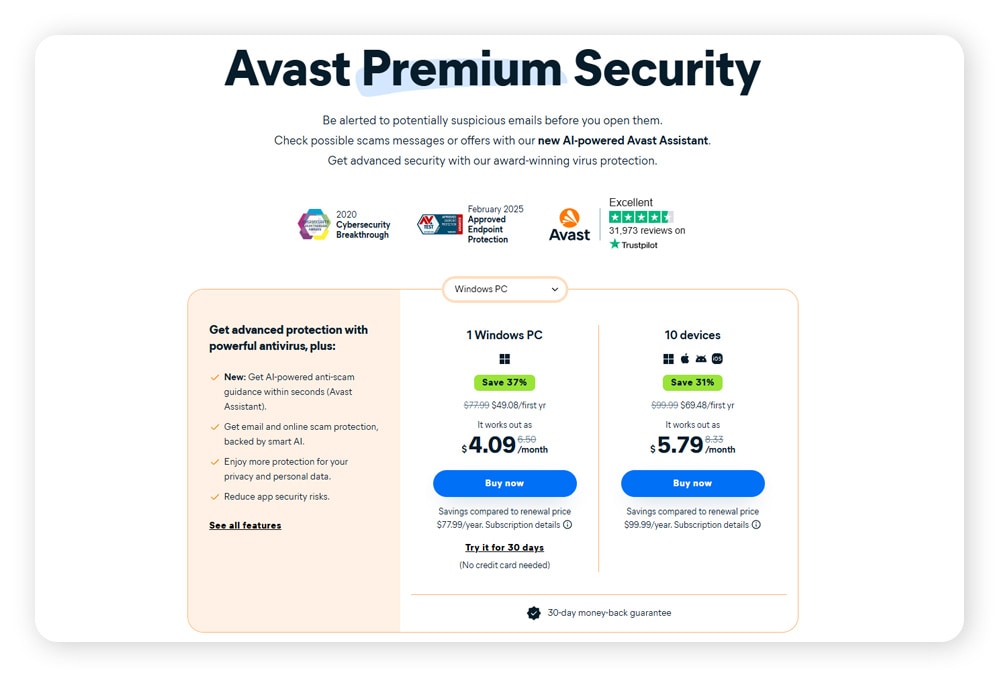
Avast Premium Security is built on Avast’s award-winning antivirus engine and includes key protections like Ransomware Shield, which defends personal files from unauthorized changes or encryption, and also includes AI-powered anti-scam features that flag deceptive messages and block fake websites designed to steal sensitive information. It also actively scans for device vulnerabilities and helps prevent remote access attacks.
In addition to its strong anti-malware and scam protection capabilities, Avast Premium Security offers some neat extra features for added control, like Data Shredder to permanently erase files and firewall protection to block hackers. While it doesn't offer all-in-one digital security features like a VPN or cloud backup in the same package, it provides excellent core protection with a few extra layers where it counts.
Trustpilot score |
|
|---|---|
Devices supported |
10 devices on Windows, Mac, iOS, Android |
Starting price |
$49.08 billed annually (first year) |
Pros
- Comprehensive anti-scam feature suite
- Built-in hack alerts for your email address
- Flexibility to move subscription between devices
Cons
- No VPN
- Firewall is only for PC
- No password manager
3. Bitdefender Total Security
Best for: Fast, efficient protection with performance-focused tools.
Bitdefender Total Security reliably blocks malware, phishing, and tracking attempts while also including a file shredder for permanently deleting sensitive files. The software is lightweight, using Bitdefender Photon™ technology to adapt to your system and optimize performance without slowing you down.
It also includes a built-in VPN, providing privacy for online browsing, though the daily data limit is capped at 200 MB per device. Though it has a respectable 4.2 out of 5 Trustpilot rating, many reviewers criticize the VPN.
Trustpilot score |
|
|---|---|
Devices supported |
Up to 25 devices on Windows, Mac, Android, and iOS |
Starting price |
$59.99 billed annually (first year) |
Pros
- Includes an anti-tracker extension
- 24/7 customer support
- Vulnerability assessment checks for security holes
Cons
- No dark web monitoring
- No virus protection guarantee
- VPN data cap
4. Malwarebytes Premium Security
Best for: Simple, no-frills antivirus with built-in VPN.
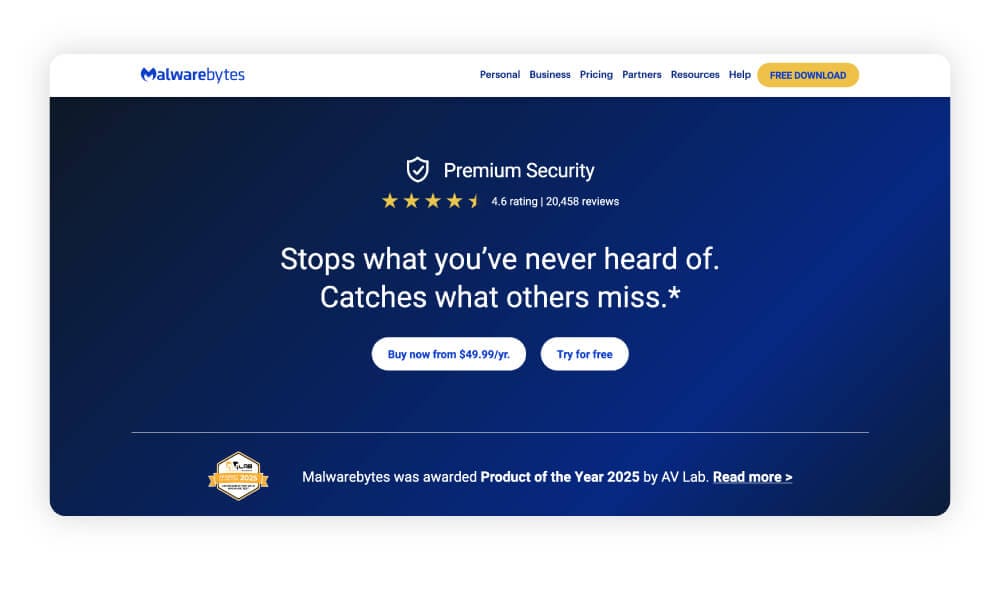
Malwarebytes Premium Security includes features like Browser Guard, a browser extension that blocks malicious websites and speeds up browsing by filtering out unwanted content. Uninstall Protection is another standout feature that prevents malware from disabling your security software.
The Premium Plus plan includes an integrated VPN for safer browsing on public Wi-Fi and more privacy online, but it doesn’t offer as many tools as some all-in-one security suites. Nevertheless, the Malwarebytes Premium Security plans still stand out for their focus on simple, easy-to-use, no frills core protection.
Trustpilot score |
|
|---|---|
Devices supported |
5 devices on Windows, Mac, Android, iOS, or ChromeOS |
Starting price |
$49.99 annually |
Pros
- Includes brute force protection
- Pause notifications while you’re gaming
- Built-in VPN
Cons
- No malware scanner for iOS
- No password manager
- No dark web monitoring
- No firewall
- No parental controls
5. McAfee Essential
Best for: Basic protection and easy device management.
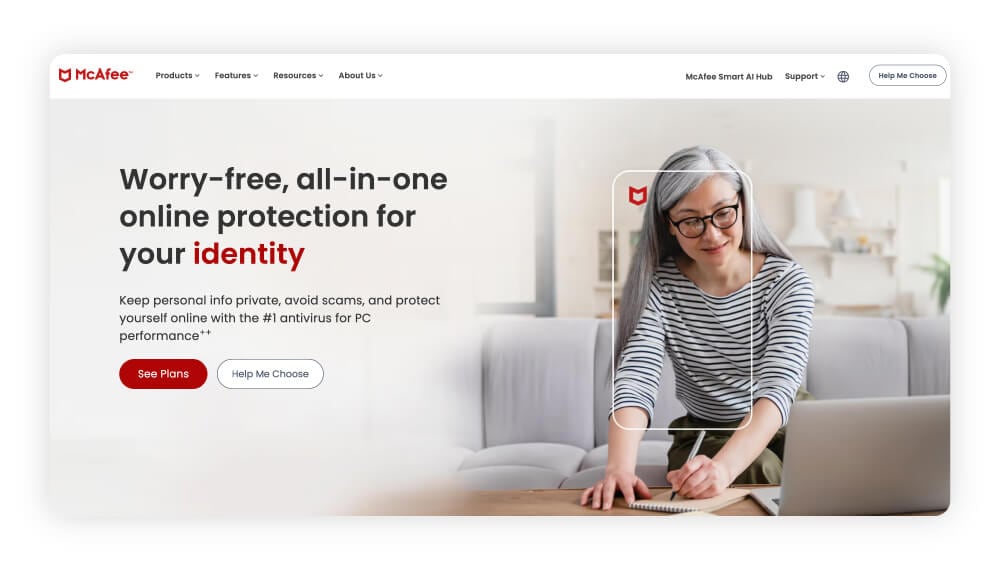
McAfee Essential protects against viruses, malware, and other threats, and includes a Virus Protection Pledge that offers your money back if the software can't remove a virus. VPN access comes as part of the bundle, and you can manage all your devices from a single dashboard, making it easy to stay on top of security for your phone, tablet, and computer.
McAfee’s identity monitoring scans the dark web for up to 60 types of personal data and alerts you to possible breaches, making it a solid choice for basic identity theft protection. However, it has a low Trustpilot rating, with common complaints about unhelpful customer service, and auto-renewals being processed even after cancellation.
Trustpilot score |
|
|---|---|
Devices supported |
5 devices on Windows, Mac, iOS, Android, or ChromeOS |
Starting price |
$39.99 annually |
Pros
- Dark web monitoring
- Password manager
- Built-in VPN
- 24/7 support from security experts
Cons
- No parental controls
- No secure cloud backup
- No firewall
6. Webroot Premium
Best for: Lightweight antivirus with identity protection and system cleanup tools.
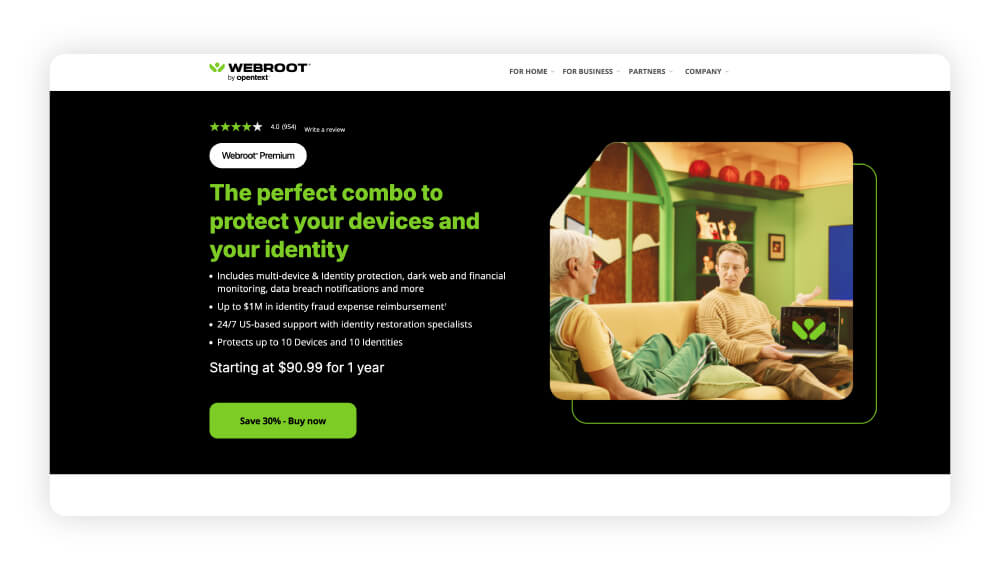
Webroot Premium includes identity theft protection, a password manager, and system optimization tools to help improve device performance. It also includes 24/7 customer support.
The platform blocks harmful websites, monitors your network, and provides a secure browser for safer online activity. It can wipe traces of your browsing history and comes with a built-in firewall for added security. It holds a Trustpilot score of 4.4, and some users cite difficulty canceling memberships and poor customer service.
Trustpilot score |
|
|---|---|
Devices supported |
5 devices on Windows, Mac, Android, iOS, or ChromeOS |
Starting price |
$90.99 for the first year |
Pros
- 24/7 support
- Identity theft protection
- Secure browser
- Includes fraud, credit, and dark web monitoring
Cons
- No VPN
- No virus protection guarantee
- No webcam protection
7. F-Secure Total
Best for: Private browsing, safe banking, and family-friendly features.
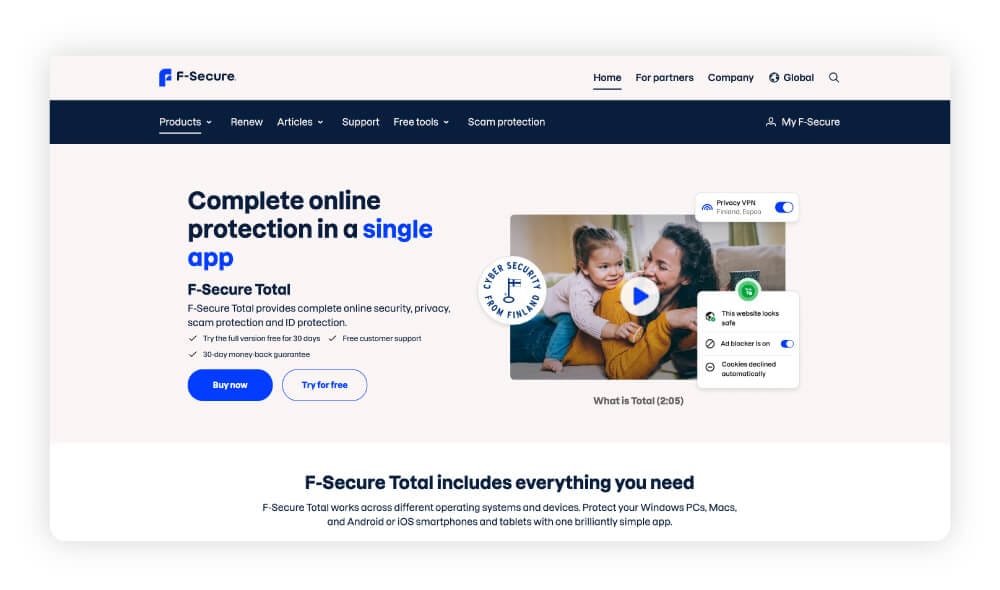
F-Secure Total combines core antivirus protection with security tools like banking protection, which confirms financial sites are safe and secures your connection during transactions. It also blocks harmful websites, prevents ad tracking, and includes a VPN to help keep your browsing private.
F-Secure’s Parental Controls help manage screen time and block harmful content, while Gaming Mode keeps performance smooth and interruptions to a minimum during gameplay. The built-in Identity Theft Help adds peace of mind by monitoring your data and alerting you to possible breaches. While it doesn’t include cloud backup, it covers the essentials with a strong focus on privacy and safe browsing.
However, its Trustpilot score of 2.1 reflects user concerns about app performance and bad customer service.
Trustpilot score |
|
|---|---|
Devices supported |
5 devices on Windows, Mac, iOS, or Android |
Starting price |
$80.79 annually |
Pros
- Gaming Mode
- Identity theft monitoring
- VPN
Cons
- No firewall
- No virus protection guarantee
- No webcam protection
*Trustpilot scores for all brands are accurate as of July 2026.
Factors to consider when choosing antivirus software
When comparing antivirus software options, as well as weighing up the feature set, consider other factors such as how well the software performs, how easy it is to use, and whether it fits your budget and device setup.
Here are some key things to keep in mind when selecting an antivirus program:
- Reputation: Look for trusted brands with strong reviews, awards, and independent lab test results.
- System compatibility: Make sure the software works with your operating system and devices.
- Ease of use: Choose a program with a simple interface that’s easy to set up and manage.
- Detection rates: Higher detection rates mean better protection against online threats.
- Features: Consider extras like scam protection, VPNs, password managers, parental controls, or identity monitoring.
- Price: Compare plans to see which offers the best value for the level of protection you need.
Keep yourself and your devices safer online
For all-in-one protection you can trust, choose Norton 360 Deluxe. Backed by decades of cybersecurity expertise and a top Trustpilot rating, Norton delivers powerful threat detection you can rely on, with a secure VPN, cloud backup, and advanced privacy and identity protection features — everything you need to keep your digital life safe.
FAQs
How can I choose the best antivirus software?
The best antivirus for you is the one that meets your specific needs. Look for strong, comprehensive protection, positive independent test results, ease of use, and valuable extras like a VPN or dark web monitoring. Then, ensure it’s compatible with your devices and fits your budget. Trusted brands with high detection rates and robust security features offer the most reliable protection.
What does antivirus software protect against?
Antivirus software defends against viruses, malware, ransomware, spyware, phishing, and other malicious threats that can compromise your device or steal personal information. It works by detecting, blocking, and removing threats to help keep your files and data secure.
Is free antivirus software good?
Some free antivirus tools provide reliable malware protection but typically lack advanced features such as real-time monitoring, a VPN, or identity protection. Paid antivirus solutions deliver stronger, more comprehensive defense against a wider range of more sophisticated threats.
Do Mac computers need antivirus software?
Yes, Macs are still vulnerable to viruses, spyware, and other malware. Mac users are also just as vulnerable to phishing attempts and other social engineering attacks. The best antivirus software helps prevent these attacks, blocks unsafe websites, and strengthens overall system security.
Do smartphones need antivirus software?
Yes, smartphones can be targeted by malware, spyware, phishing scams, and malicious apps. Mobile antivirus apps such as Norton Mobile Security help safeguard your data, privacy, and accounts from these threats.
Can antivirus software protect against phishing?
Yes, many antivirus programs, such as Norton 360 Deluxe, include phishing protection and other advanced anti-scam features that block fake websites, suspicious links, and flag deceptive scam messages that are designed to swindle you out of money or steal your personal information.
Methodology
To create this comparison, we evaluated the brands and products using publicly available, independently verifiable information. We reviewed each provider’s website and documentation for details on features, capabilities, pricing, reviews, and more.
We supplemented this with analysis from independent publishers such as PCMag and Tom’s Guide, as well as customer feedback and aggregate ratings from platforms including Trustpilot, Apple’s App Store, and Google Play. All pricing, features and descriptions, brand reviews, and third-party ratings are accurate at the time of the article's publication.
By relying on public resources and applying the same review standards to all products, we aim to provide readers with an objective comparison they can trust. All information was checked and reviewed at the time of publication and is subject to change. The analysis reflects the author’s independent evaluation and does not necessarily represent the views of Norton or its parent company.
Editors’ note: Our articles offer educational information and are written to raise awareness about important topics in Cyber Safety. Norton products and services may not protect against every type of threat, fraud, or crime we write about. For more details about how we research, write, and review our articles, see our Editorial Policy.







Want more?
Follow us for all the latest news, tips, and updates.